 Templates
Email templates and a drag-and-drop editor
tinyEmail gives you mobile-ready email templates and a drag-and-drop editor, so you can build a branded email in minutes. Start from collections hand-picked by our team, apply your Brand Kit's colours, fonts and logo, add products and merge tags, or switch to custom code. Save any design and reuse it.

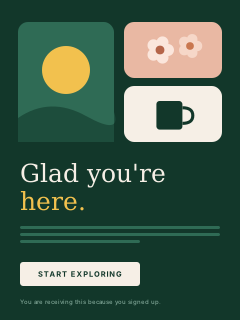
Hand-picked by our teamShow all →
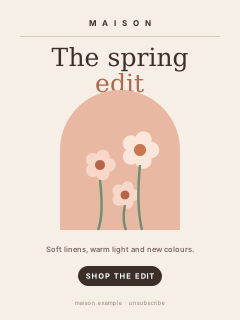
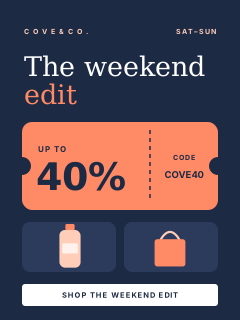
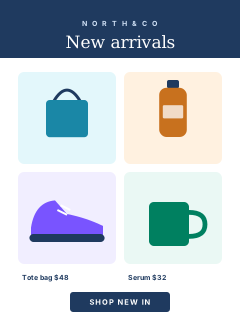
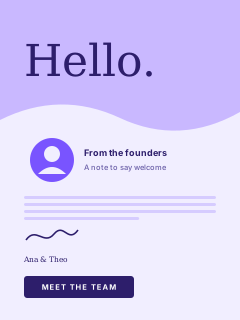
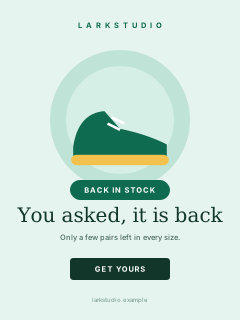
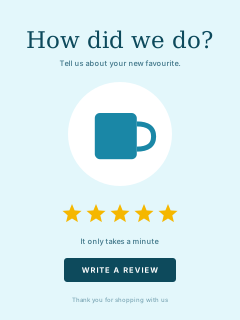
Ready-made templates for automated email flowsShow all →

 Editors
How do you want to build your email?
The same two tabs you see in the app: drag and drop for speed, custom code for full control.

Drag & drop
No codeDrag blocks onto the canvas: text, images, buttons, products, dividers and social links. Every layout stays mobile-ready.

Custom code
Your own designAlready have a design? Bring it in as your own HTML and CSS, keep every pixel of your layout, and preview it before you send.
 Brand Kit
How do you keep every email on brand?
Set your brand once. tinyEmail applies it to every template, so each email looks like it came from the same store.

Brand Kit
Your colours, fonts and logo, applied in one click.

Save and reuse
Save any design as a template and launch the next campaign faster.

Templates for your goal
Start from layouts built for sales, welcomes and other goals.
Template galleryWhich template should you start with?
The collections you will find in the app, each a starting point for a different kind of email.
Staff picks
Hand-picked by our team.
Colorful
A bold, vibrant look that grabs attention.
Professional
Polished and business-ready from the first impression.
Minimalist
Let your content shine. Less is more.
Shopify Automations
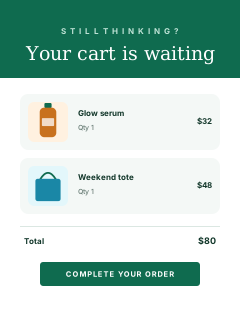
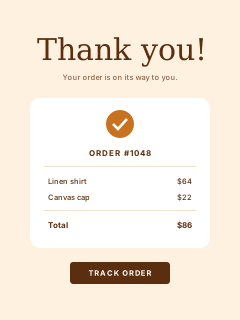
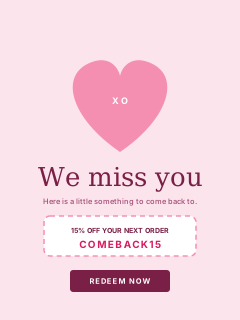
Ready-made templates for automated email flows.
Saved
Your own designs, saved for quick access.
Hi {{first_name}}, your picks are back
↓ When it sendsHi Jordan, your picks are back
 Personalisation
Can each email feel personal?
Merge tags fill in names and other details from each contact, so one template speaks to every reader.
 Shopify blocks
Put your products right in the email
Drop a product block into any template and pick items from your store. Images, prices and buttons come with them.

Product blocks
Images, names, prices and buttons from your store, laid out for you.

Clicks and sales tracked
See which products people clicked and bought from each email.
Looks right on every screen
Every template is mobile-ready, so blocks stack neatly on phones.



Your designs, ready to reuseShow all →
 Save and reuse
Build once, reuse every week
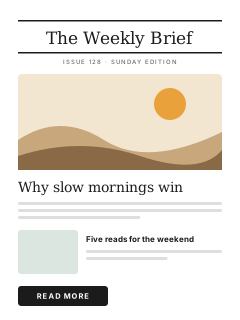
Save any email as a template and it lands in your Saved collection, ready for next week’s newsletter or next month’s sale.
Saved collection
Your own designs sit next to the staff picks.
Brand stays consistent
Brand Kit keeps colours, fonts and logo the same in every email.

Request a custom template
Need something bespoke? Ask our team from the Templates screen.
Template libraryEmail templates for every moment
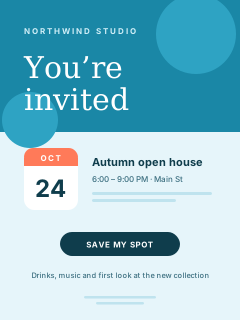
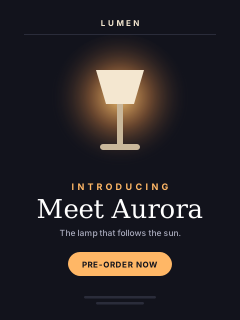
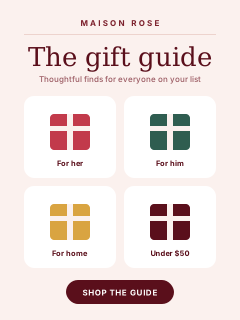
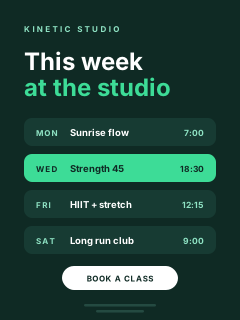
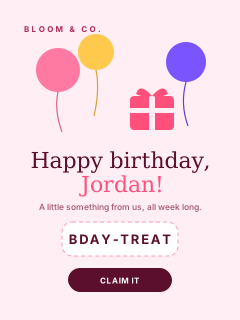
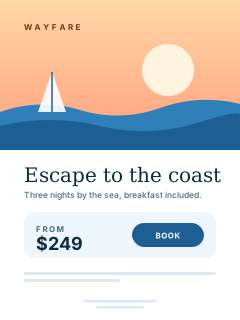
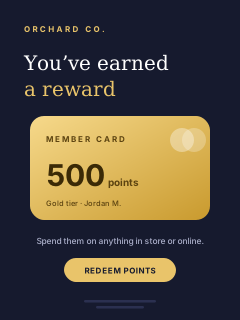
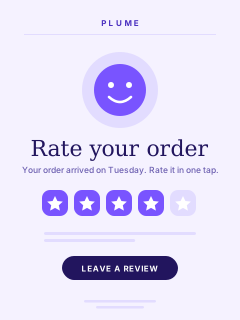
Welcomes, sales, newsletters, events and more. Twenty of the designs you can start from.

 FAQ
FAQTemplate questions
Can't find your answer? Our team is here 24/7.
 All FAQs
Are tinyEmail templates mobile-friendly?
Yes. Every template is responsive, so your emails display well on desktop, tablet and mobile screens.
Can I use my own HTML?
Yes. Switch to the Custom code editor to write or paste your own HTML and CSS, or stay in the drag-and-drop editor.
How do I keep my emails on brand?
Set up your Brand Kit once and tinyEmail applies your colours, fonts and logo. You can also save any design as a template and reuse it.
Are there templates for Shopify automations?
Yes. The Shopify Automations collection has ready-made templates for automated flows such as abandoned cart, order thank-you, win-back and product review emails.
Can tinyEmail design a template for me?
You can request a custom template from the Templates screen in the app, and start from the collections hand-picked by our team in the meantime.
Can I personalise templates?
Yes. Merge tags add each subscriber's name or other details, so one template feels personal to every reader.

Build your next email in minutes
Free for Shopify stores. Everyone else gets a 7-day free trial with every template, then pays per email sent.