Email Campaign API: Run Email Marketing From Your Code
How to sync contacts, build audiences, schedule campaigns and pull per-domain results with the tinyEmail REST API, with cURL examples and its limits.

Email Campaign API: Run Email Marketing From Your Code
An email campaign API lets your code do what you'd otherwise do in a marketing dashboard: sync contacts, build audiences, create and schedule campaigns, and pull the results. The tinyEmail REST API does this for Enterprise accounts. One-to-one messages triggered by your app, such as receipts and password resets, belong on a transactional email API such as tinyRelay instead.
This guide walks through a full campaign in code, from adding a contact to reading per-domain results, and is candid about what the API does and doesn't do today.
What the tinyEmail API is for
The tinyEmail REST API is for teams that want to run email marketing from their own systems: SaaS platforms that send newsletters on behalf of their users, publishers who build editions in their own CMS, and businesses that keep customer data in a warehouse or CRM and want campaigns to follow it automatically. For a product overview, see the tinyEmail email marketing API page.
- Who can use it: Enterprise accounts.
- Authentication: an API key sent in the
X-API-KEYheader. You create keys in the tinyEmail app under My Account › API Keys. - Rate limit: 60 requests per minute per key. Higher limits are available on request through support.
- Languages: it's a REST API, so it works with any language that can make HTTP requests: Node.js, Python, PHP, Ruby, Go and so on. There's no SDK to install.
- Docs: the full reference is at docs.tinyrelay.com/docs/tiny-email, covering Account, Audiences, Campaigns, Templates, Sender, Reports and Suppressions.
Campaign API vs transactional API
The two are easy to confuse because both "send email through an API". They solve different problems:
- Campaign API (tinyEmail). Purpose: marketing. Recipients: an audience or segment, often thousands of people. Trigger: you create and schedule a campaign. Typical use: weekly newsletter, product launch, re-engagement campaign.
- Transactional API (tinyRelay). Purpose: messages your app owes one person. Recipients: one at a time. Trigger: something the user did. Typical use: password reset, receipt, sign-in code, account alert.
If your product needs both, use both, and keep them on separate streams. Here's how tinyRelay's transactional email API handles the one-to-one side, with signed webhooks for each delivery, bounce, open and click.
A campaign from code, step by step
The examples below use cURL and the base URL shown in the API docs. Replace YOUR_API_KEY and the IDs with your own.
1. Add or update contacts
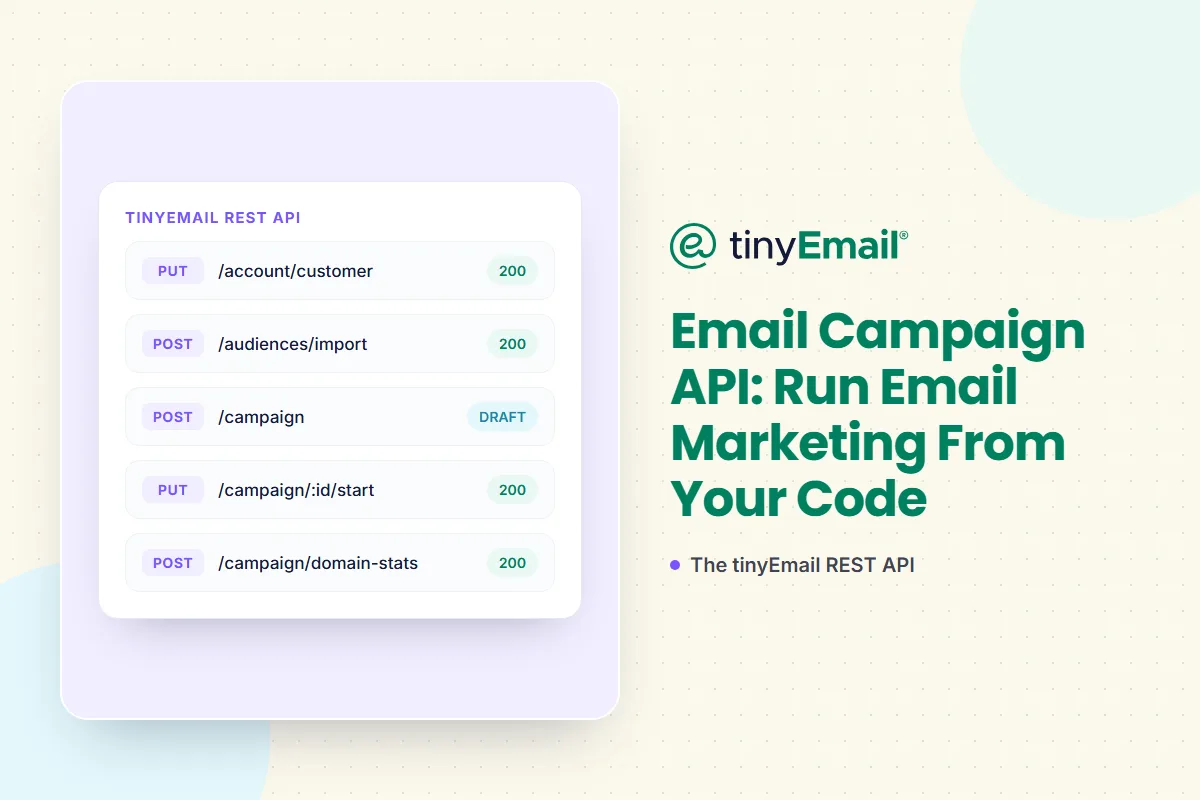
PUT /account/customer adds new contacts and updates existing ones in one call. Send a list of members with their email address and any profile fields or custom attributes your account has defined. The response tells you how many members were created and how many were updated.
curl -X PUT 'https://api.tinyemail.com/v1/account/customer' \
  -H 'Content-Type: application/json' \
  -H 'X-API-KEY: YOUR_API_KEY' \
  --data-raw '{
    "updateMembers": [
      {
        "email": "ava@yourbrand.com",
        "firstName": "Ava",
        "tags": ["trial"],
        "customAttributes": { "Plan": "pro" }
      }
    ]
  }'
Custom attributes must already exist in your account and be sent in the type you defined (dates in ISO format, arrays as JSON arrays). If a value doesn't match, the request fails and nothing is saved, so a successful response means every attribute was stored. To look up one contact, use GET /account/customer/:email.
2. Build an audience
The Audiences endpoints let you create an audience with members, import a new audience from a CSV file, append members from a CSV to an existing audience, update or delete an audience, and list the customers in it. Use them to mirror lists you already manage elsewhere.
3. Clean the list before you send
You can clean a whole audience or a single contact through the API, check the history of past cleans and download the results. Cleaning removes invalid and risky addresses before they cost you bounces. It's the same List Cleaning that's available in the app.
4. Pick a sender and a template
The Sender endpoints manage your sender identities, and every campaign needs a senderId. The Templates endpoints let you create and manage reusable templates, so your developers don't have to paste HTML into every request.
5. Create and schedule the campaign
POST /campaign creates a campaign. Give it a name, subject and preview text, a sender, and either inline HTML or the ID of a saved template (not both). A template's content is copied into the campaign when you create it, so editing the template later doesn't change campaigns already built from it.
curl -X POST 'https://api.tinyemail.com/v1/campaign' \
  -H 'Content-Type: application/json' \
  -H 'X-API-KEY: YOUR_API_KEY' \
  --data-raw '{
    "campaign": {
      "name": "Weekly product digest",
      "subject": "What shipped this week",
      "previewText": "Three updates worth a look"
    },
    "senderId": "YOUR_SENDER_ID",
    "htmlTemplateId": "YOUR_TEMPLATE_ID",
    "schedule": {
      "days": ["MONDAY"],
      "time": "14:00:00"
    }
  }'
New campaigns are created as drafts. For a one-off send, set schedule.dateTime to a date and time in UTC. For a recurring campaign, set schedule.days to the weekdays it should go out. You can then start or pause the campaign with PUT /campaign/:id/start and PUT /campaign/:id/pause, update it, or delete it.
6. Pull the results
POST /campaign/domain-stats returns a campaign's performance broken down by recipient domain: sent, delivered, opens, clicks, spam complaints and unsubscribes for Gmail, Yahoo, Outlook and the rest.
curl -X POST 'https://api.tinyemail.com/v1/campaign/domain-stats' \
  -H 'Content-Type: application/json' \
  -H 'X-API-KEY: YOUR_API_KEY' \
  --data-raw '{ "campaignId": "YOUR_CAMPAIGN_ID" }'
Per-domain numbers are useful because deliverability problems usually start at one mailbox provider. If Yahoo's delivered count drops while Gmail's holds, you know where to look. A separate report covers engagement from new subscribers. Feed both into your own dashboards or BI tool.
Suppressions and unsubscribes
The Suppressions endpoints let you create and manage suppression lists, import them, append to them and change their scope, so addresses that must never be mailed stay out of every send. To stop emailing a contact, unsubscribe them from all audiences with the unsubscribe endpoint. tinyEmail also adds hard bounces and unsubscribes to its suppression list automatically.
What the API doesn't do (yet)
Knowing the limits up front saves you a rebuild later:
- No delete-contact endpoint. Unsubscribe or suppress contacts instead.
- No workflow or automation endpoints. Automated journeys such as welcome series and abandoned cart are built in the app's workflow editor. Through the API you can schedule one-off and recurring campaigns and trigger them from your own code.
- Reporting is per campaign, broken down by recipient domain, plus new-subscriber engagement. It isn't an account-wide or real-time analytics feed.
- 60 requests per minute per key by default. Batch contact updates into one request where you can.
If you need something from the dashboard that isn't in the API yet, ask the team. The aim is to expose what customers need.
Where this fits
The API is most useful when email is part of your product. SaaS platforms can run marketing email inside their app while sending account emails through tinyRelay, as described on our email for SaaS platforms page. Publishers can push each edition from their CMS and pull per-domain results back. Ecommerce teams can keep audiences in sync with their order system.
To get access, talk to the team about an Enterprise plan. See pricing for the standard plans.
FAQ
What is an email campaign API?
An API that lets your software manage email marketing: contacts, audiences, templates, campaigns, schedules and reports. It replaces clicking through a dashboard with code.
What's the difference between an email campaign API and a transactional email API?
A campaign API sends one message to many people on a schedule you set. A transactional API sends one message to one person the moment something happens in your app. tinyEmail covers the first and tinyRelay covers the second.
Can I schedule campaigns through the API?
Yes. Set a date and time in UTC for a one-off send, or a list of weekdays for a recurring campaign, then start or pause it through the API.
How do I add or update a contact through the API?
Send the contact in the updateMembers list of PUT /account/customer. New addresses are created and existing ones are updated.
Can I import a CSV into an audience?
Yes. You can create a new audience from a CSV file or append a CSV to an existing audience.
What's the rate limit?
60 requests per minute per API key. You can ask support for a higher limit.
Can I delete a contact through the API?
Not today. Unsubscribe the contact or add them to a suppression list.
Can I trigger automated workflows through the API?
Not today. Workflows are built in the app. You can schedule one-off and recurring campaigns through the API.
Is there an SDK?
No. It's a REST API, so any language that can make HTTP requests can use it.
Who can use the tinyEmail API?
Enterprise accounts.
Sources
- tinyEmail API documentation: docs.tinyrelay.com/docs/tiny-email
- Create Campaign reference: docs.tinyrelay.com/docs/tiny-email/add-campaign
- Update Customer reference: docs.tinyrelay.com/docs/tiny-email/update-account-customer
- Campaign Domain Statistics reference: docs.tinyrelay.com/docs/tiny-email/get-campaign-domain-statistics




Newsletter
Join our newsletter today Get instant updates

20,000+ users subscribed to newsletter