Email Sender Requirements: A Gmail, Yahoo and Outlook Checklist
What Gmail, Yahoo and Outlook require from email marketers: the all-sender and bulk-sender checklists, a side-by-side comparison, a timeline and the error codes to watch for.
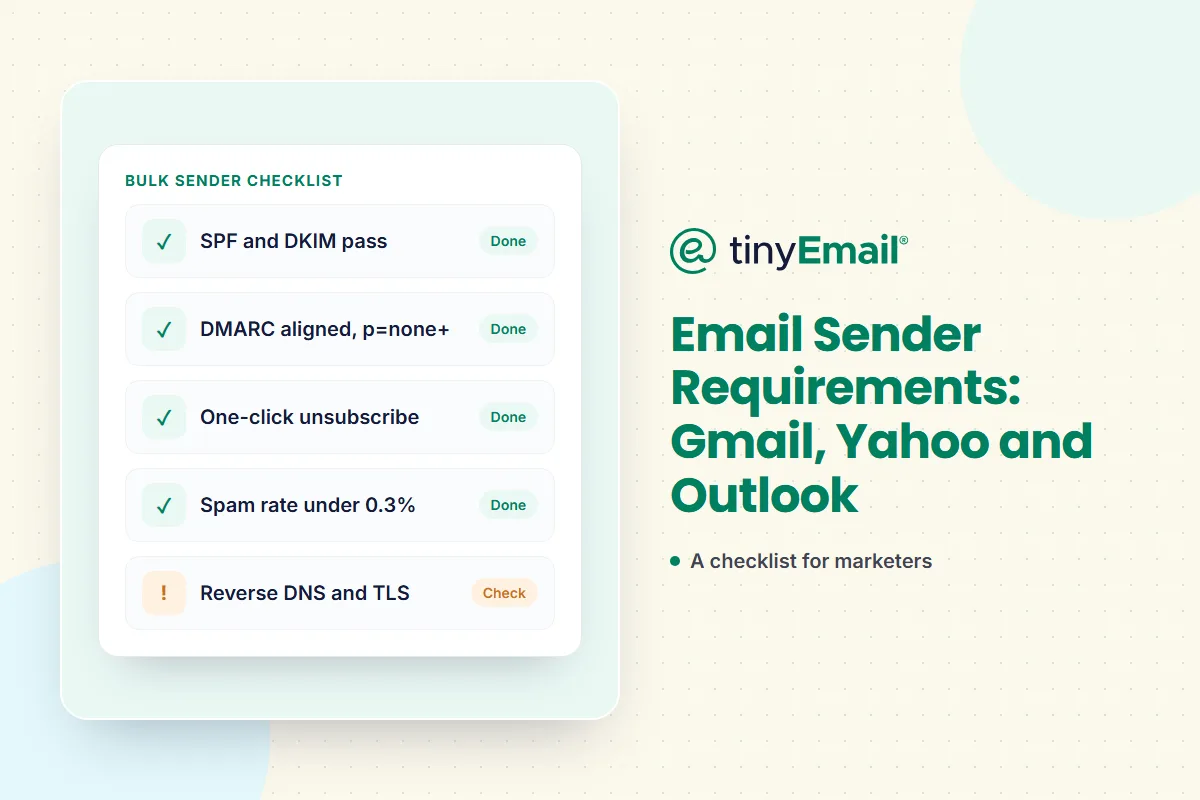

Email Sender Requirements: A Gmail, Yahoo and Outlook Checklist
To reach Gmail, Yahoo and Outlook inboxes in 2026, every sender needs SPF or DKIM, valid forward and reverse DNS, TLS and a spam rate below 0.3%. If you send around 5,000 or more emails a day to Gmail or Outlook addresses, or significant volume to Yahoo, you also need SPF and DKIM, a DMARC record aligned with your From domain, and one-click unsubscribe on marketing mail.
Below is the full checklist, a side-by-side comparison of the three mailbox providers, a timeline of when each rule started, and what happens when mail fails the checks.
Who counts as a bulk sender?
- Gmail: anyone sending close to 5,000 messages or more to personal Gmail accounts within 24 hours. Messages from the same primary domain count together.
- Yahoo: Yahoo doesn't publish a volume threshold. Its guidance is simply to follow the bulk-sender rules if you send significant volume.
- Outlook.com (outlook.com, hotmail.com and live.com addresses): domains sending more than 5,000 emails a day.
If you send marketing email at any meaningful scale, assume the bulk rules apply to you. They're good practice even below the thresholds.
The checklist: every sender
- ☐ SPF or DKIM set up for your sending domain.
- ☐ Valid forward and reverse DNS (PTR records) for your sending IPs.
- ☐ TLS for the connection that delivers your mail.
- ☐ Spam rate below 0.3%, as reported in Google Postmaster Tools. Google advises keeping it below 0.10%.
- ☐ Messages formatted to the email standards (RFC 5322 for Gmail; RFC 5321 and 5322 for Yahoo).
- ☐ Don't impersonate Gmail in your From header.
The checklist: bulk senders
- ☐ SPF and DKIM, both passing.
- ☐ A DMARC record for your sending domain. The policy can be
p=none. - ☐ DMARC alignment: your From domain must match the domain that passes SPF or DKIM. Only one needs to align. Yahoo accepts relaxed alignment.
- ☐ One-click unsubscribe on marketing and subscribed messages, using the
List-UnsubscribeandList-Unsubscribe-Postheaders. - ☐ A visible unsubscribe link in the body of the message too.
- ☐ Unsubscribes honoured fast: within 48 hours for Gmail and within 2 days for Yahoo.
- ☐ A DMARC reporting address (
rua). Yahoo strongly recommends it, and you'll need the reports to move your policy to enforcement later.
Gmail vs Yahoo vs Outlook, side by side
Gmail
- Bulk threshold: close to 5,000 a day to personal Gmail accounts.
- Authentication: SPF and DKIM for bulk senders; DMARC at
p=noneor stricter, aligned with SPF or DKIM. - Unsubscribe: one-click for marketing and subscribed messages, plus a visible link; honour within 48 hours.
- Spam rate: below 0.3%, ideally below 0.10%.
- Also required: valid forward and reverse DNS, TLS, RFC 5322 formatting.
- Direction of travel: Google recommends aligning DMARC with both SPF and DKIM, and says dual alignment will eventually become a requirement.
Yahoo
- Bulk threshold: not published.
- Authentication: SPF and DKIM for bulk senders; a passing DMARC policy of at least
p=none; relaxed alignment accepted. - Unsubscribe: one-click for marketing messages (an RFC 8058 POST is highly recommended; mailto is acceptable), plus a visible link; honour within 2 days. Not required for transactional messages such as order confirmations and password resets.
- Spam rate: below 0.3%.
- Also required: valid forward and reverse DNS; RFC 5321 and 5322 compliance. Yahoo recommends a DKIM key of at least 1024 bits.
Outlook.com
- Bulk threshold: more than 5,000 emails a day.
- Authentication: SPF must pass, DKIM must pass, and DMARC must be at least
p=none, aligned with SPF or DKIM (preferably both). - Unsubscribe and list hygiene: recommended, not required.
- Enforcement: from 5 May 2025. Microsoft's updated announcement says non-compliant mail is rejected with
550; 5.7.515 Access denied, and that safe sender lists don't bypass the check.
Timeline
- 1 February 2024: Gmail's sender requirements take effect.
- June 2024: Gmail stops offering delivery mitigation to senders whose spam rate is above 0.3%. They become eligible again after 7 days in a row below 0.3%.
- 5 May 2025: Outlook.com's requirements for senders above 5,000 emails a day take effect.
- November 2025: Gmail ramps up enforcement on non-compliant traffic, with temporary and permanent rejections, and adds a compliance status dashboard to Postmaster Tools.
One-click unsubscribe, done right
One-click unsubscribe follows RFC 8058. Every marketing message needs two headers:
List-Unsubscribe: <https://yourbrand.com/unsubscribe?u=abc123>
List-Unsubscribe-Post: List-Unsubscribe=One-Click- The
List-Unsubscribeheader must include an HTTPS URL. - The
List-Unsubscribe-Postheader must say exactlyList-Unsubscribe=One-Click. - The message must have a valid DKIM signature that covers both headers.
- The unsubscribe request must work without cookies or a login, and must not redirect.
Your email marketing platform should add these headers for you. Check a sent email's headers to confirm they're there, and keep a visible unsubscribe link in the footer as well.
What your platform does and what you do
Some of these rules are handled by your email platform, some live in your DNS, and some depend on how you build and look after your list.
- Your DNS (you): publish SPF, DKIM and DMARC records for your sending domain. Our guide on how to set up SPF, DKIM and DMARC covers the records and the order to add them.
- Your list (you): only email people who asked to hear from you, and remove addresses that bounce or never engage. List Cleaning removes invalid and risky addresses before you send.
- Your content (you): send what people signed up for, at a frequency they expect. Complaints come from surprise.
- Your platform (tinyEmail): guidance for setting up SPF, DKIM and DMARC; hard bounces and unsubscribes added to a suppression list automatically; bounce and spam-complaint metrics and deliverability by mailbox domain in analytics; and AI Traffic Control, which warms up sending and sets daily volume separately for Gmail, Yahoo and Outlook. See all of tinyEmail's deliverability tools.
If mail starts bouncing
Gmail returns specific codes when mail fails a requirement. They tell you exactly what to fix:
4.7.23/5.7.25: missing or invalid reverse DNS (PTR).4.7.27/5.7.27: SPF failed.4.7.29/5.7.29: message not sent over TLS.4.7.30/5.7.30: DKIM failed.4.7.31: no DMARC record.4.7.32: From domain not aligned with SPF or DKIM.
Outlook.com rejects non-compliant bulk mail with 550; 5.7.515. For a wider look at why mail goes missing, read why emails land in spam and what bounced emails mean.
Do these rules apply to transactional email?
Partly. Authentication, valid DNS, TLS and low spam rates apply to everything you send. One-click unsubscribe is required only for marketing and subscribed mail, and Yahoo names order confirmations and password resets as exempt. Mailbox providers also ask you to keep transactional and marketing mail on separate streams. tinyRelay's guide covers how the Gmail and Yahoo rules apply to app and transactional email.
FAQ
What are the Gmail sender requirements?
All senders need SPF or DKIM, valid forward and reverse DNS, TLS, a spam rate below 0.3% and properly formatted messages. Senders of around 5,000 or more messages a day to Gmail accounts also need SPF and DKIM, an aligned DMARC record and one-click unsubscribe.
Do the rules apply if I send fewer than 5,000 emails a day?
The all-sender rules apply to everyone. The bulk rules are good practice below the threshold too, and Yahoo doesn't publish a threshold at all.
Does Yahoo have a 5,000-a-day threshold?
No. Yahoo says it won't specify a volume threshold.
What does Microsoft require from bulk senders?
Since 5 May 2025, domains sending more than 5,000 emails a day to Outlook.com addresses need SPF and DKIM to pass and a DMARC record of at least p=none aligned with SPF or DKIM.
What spam rate is too high?
Stay below 0.3% in Google Postmaster Tools and aim for below 0.10%. Above 0.3%, Gmail won't offer delivery mitigation until you've been back under it for 7 days in a row.
How fast must I honour unsubscribes?
Within 48 hours for Gmail and within 2 days for Yahoo.
Is DMARC p=none enough?
It meets the current minimum for Gmail, Yahoo and Outlook. Moving to quarantine and then reject protects your domain from spoofing, and a policy of quarantine or reject is required for BIMI.
What happens if I don't comply?
Mail can be delayed, sent to spam or rejected. Gmail returns specific error codes, and Outlook.com rejects non-compliant bulk mail with 550; 5.7.515.
Does my email marketing platform handle this for me?
Partly. Your platform should sign mail with DKIM, add unsubscribe headers, suppress bounces and unsubscribes and show you complaint rates. You still need to publish DNS records and keep your list healthy.
Sources
- Google, Email sender guidelines: support.google.com/a/answer/81126
- Google, Email sender guidelines FAQ: support.google.com/a/answer/14229414
- Yahoo, Sender best practices: senders.yahooinc.com/best-practices
- Yahoo, Sender FAQs: senders.yahooinc.com/faqs
- Microsoft, Outlook's requirements for high-volume senders: techcommunity.microsoft.com
- RFC 8058, one-click unsubscribe: rfc-editor.org/rfc/rfc8058




Newsletter
Join our newsletter today Get instant updates

20,000+ users subscribed to newsletter