How to Set Up SPF, DKIM and DMARC for Email Marketing
The records, the order to add them, the mistakes that break them, and a safe path from p=none to p=reject, written for marketers who send through an email platform.
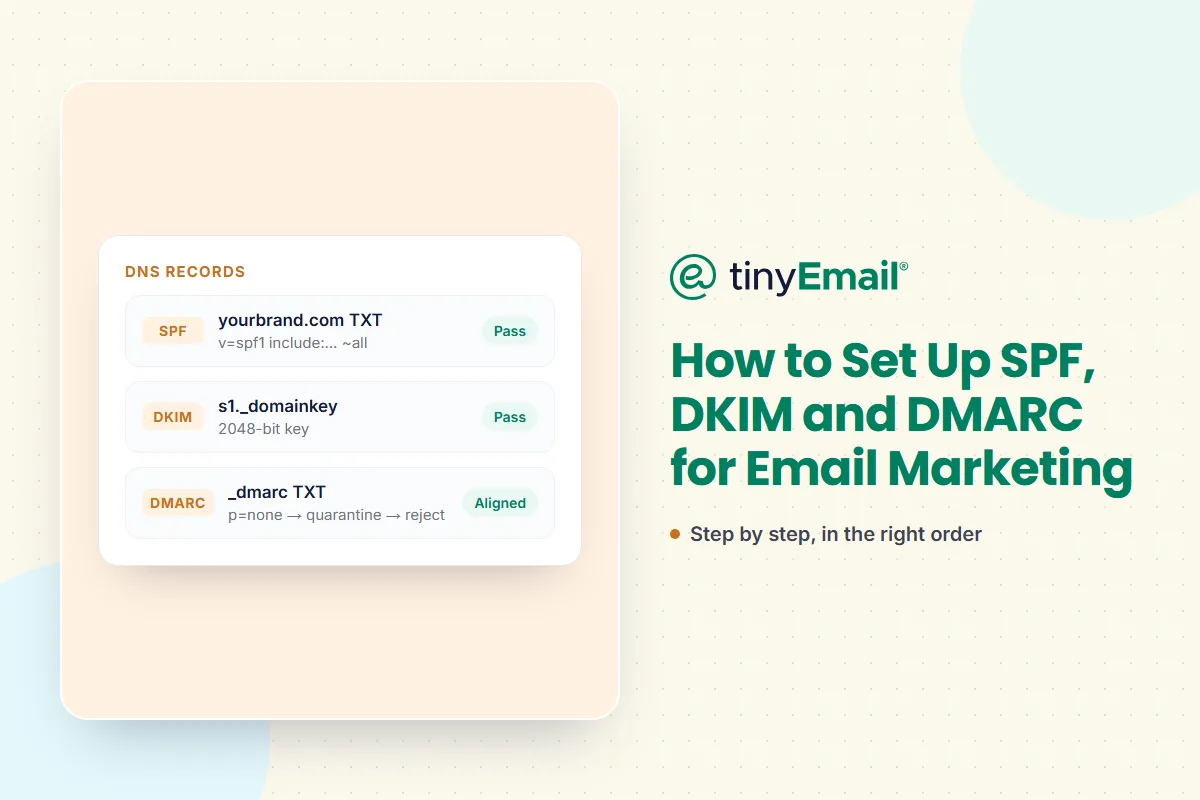

How to Set Up SPF, DKIM and DMARC for Email Marketing
Set up SPF first: one TXT record listing every service that sends email for your domain, within 10 DNS lookups. Then DKIM: a 2048-bit key published for each sending service. Then DMARC: a TXT record at _dmarc that starts at p=none with a reporting address. Move to quarantine and then reject once the reports show that all your legitimate mail passes and aligns.
This guide is written for marketers who send through an email platform. It covers the records, the order to add them, the mistakes that break them, and how to move DMARC to enforcement without losing real email.
The short answer
- SPF lives in a TXT record on your domain. It lists the servers allowed to send mail for your domain.
- DKIM lives in a TXT or CNAME record at
selector._domainkey.yourdomain.com. It proves a message was signed by your domain and wasn't changed in transit. - DMARC lives in a TXT record at
_dmarc.yourdomain.com. It tells mailbox providers what to do when a message fails, and sends you reports about who is mailing as your domain.
Gmail, Yahoo and Outlook.com all require bulk senders to have all three, with DMARC at p=none or stricter. Our email sender requirements checklist covers the rest of their rules.
Before you start: list everything that sends as your domain
Most broken SPF and DMARC set-ups come from a forgotten sender. Before touching DNS, list every service that sends email with your domain in the From address:
- your email marketing platform;
- your store or app's transactional email (order confirmations, password resets);
- your company mailbox provider (Google Workspace, Microsoft 365);
- helpdesk, CRM, invoicing and survey tools.
Consider giving marketing and transactional email their own subdomains, such as news.yourbrand.com and mail.yourbrand.com. Each subdomain then gets its own records and its own reputation. We explain why in should transactional and marketing emails be separate.
Step 1: SPF
SPF is a single TXT record on the domain that appears in the envelope sender (the Return-Path). It lists the services allowed to send for that domain:
yourbrand.com TXT "v=spf1 include:_spf.google.com include:spf.yourprovider.com ~all"- Only one SPF record per domain. If you publish two, SPF checks fail with a permanent error. Merge every service into one record.
- Stay within 10 DNS lookups. Each
include,a,mx,existsandredirectcounts, including the lookups inside the records you include. Go over 10 and SPF returns a permanent error. Remove services you no longer use, and don't use theptrmechanism, which the SPF standard says should not be published. ~allor-all.~all(softfail) marks unlisted senders as suspicious.-all(fail) tells receivers to reject them. Many teams start with~alland let DMARC decide what happens to failures.
Step 2: DKIM
DKIM signs each message with a private key held by your sending service. The matching public key is published in your DNS under a selector the service gives you:
selector1._domainkey.yourbrand.com CNAME selector1.dkim.yourprovider.comSome services ask you to publish a CNAME that points to a key they host and rotate. Others give you a TXT record containing the public key itself. Either works.
- Use 2048-bit keys. The DKIM standard says signers must use RSA keys of at least 1024 bits and should use at least 2048. Google recommends 2048 if your DNS provider supports it.
- Set up DKIM for every sending service, each with its own selector.
- Sign with your own domain. DKIM only helps DMARC if the signing domain (the
d=value) matches your From domain. Use your platform's custom-domain authentication rather than its shared default domain.
Step 3: DMARC
DMARC ties SPF and DKIM to the address people actually see, your From domain. A message passes DMARC when SPF or DKIM passes and the passing domain aligns with the From domain. Start with a monitoring policy:
_dmarc.yourbrand.com TXT "v=DMARC1; p=none; rua=mailto:dmarc-reports@yourbrand.com"The tags you'll use most:
p: the policy for failing mail:none(monitor only),quarantine(send to spam) orreject(block).sp: a separate policy for subdomains, if you want one.rua: where aggregate reports are sent. You'll need these to move to enforcement safely.adkimandaspf: alignment mode.r(relaxed, the default) lets a subdomain such asnews.yourbrand.comalign withyourbrand.com.s(strict) needs an exact match.
Alignment, explained with your email platform
When an email platform sends on your behalf, the Return-Path often uses the platform's own domain, so SPF passes for the platform's domain rather than yours and doesn't align. That's why DKIM matters: if the platform signs with d=yourbrand.com (or a subdomain of it), DKIM aligns and DMARC passes. Google recommends aligning with both SPF and DKIM, and has said dual alignment will eventually be a requirement, so set up a custom Return-Path domain too if your platform supports it.
Rolling DMARC to enforcement
Google's own guidance is to set up SPF and DKIM at least 48 hours before turning on DMARC, start with p=none, review reports regularly and tighten gradually. A practical plan:
- Week 0:
p=none. Collect reports. Find every legitimate source that fails, and fix its SPF or DKIM. - When every legitimate source passes and aligns:
p=quarantine. Failing mail goes to spam. Keep watching reports for anything you missed. - When quarantine has run cleanly:
p=reject. Spoofed mail using your domain is blocked outright.
There's no fixed timetable. Move on when the reports show your legitimate mail is passing, not on a calendar date. Microsoft gives the same advice: move from none to quarantine to reject gradually.
What changed in 2026
In May 2026 the IETF published an updated DMARC specification (RFC 9989, with RFC 9990 for aggregate reports and RFC 9991 for failure reports), replacing the original RFC 7489. For most senders, existing records keep working. The changes worth knowing:
- The
pct,rfandritags are deprecated. Older rollout guides usepctto apply a policy to a percentage of mail. You'll still see it in existing records, but don't build new plans around it. - A new
nptag sets a policy for subdomains that don't exist, so attackers can't spoof made-up subdomains of your domain. - Policy discovery changed from relying on the Public Suffix List to a DNS tree walk, and DMARC's SPF check now uses the envelope MAIL FROM only.
Check your records
After each change, give DNS time to update, then check that every record is published and valid. Send a test email to a Gmail address and look for spf=pass, dkim=pass and dmarc=pass in "Show original". To test a domain in seconds, check your SPF, DKIM and DMARC records with tinyRelay's free checker.
Optional: BIMI
BIMI shows your logo next to your emails in supporting inboxes. It requires DMARC at enforcement (p=quarantine or p=reject, not p=none), and many mailbox providers also require a Verified Mark Certificate or Common Mark Certificate. Get DMARC to enforcement first.
Where tinyEmail fits
tinyEmail gives you guidance for setting up SPF, DKIM and DMARC on your sending domain, and its deliverability tools watch reputation, warm up sending with AI Traffic Control and keep lists clean. For your app's transactional email, tinyRelay authenticates the domain you send from with a DKIM CNAME record, so your receipts and resets can sit on their own authenticated subdomain. If your mail is still landing in spam after authentication, see why emails land in spam.
FAQ
What do SPF, DKIM and DMARC each do?
SPF lists the servers allowed to send for your domain. DKIM signs each message so receivers can verify it came from your domain unchanged. DMARC checks that SPF or DKIM passes for the domain in your From address, and tells receivers what to do if it doesn't.
Do I need all three?
Yes, if you send marketing email at volume. Gmail, Yahoo and Outlook.com require SPF, DKIM and DMARC from bulk senders.
In what order should I set them up?
SPF, then DKIM, then DMARC. Google recommends waiting at least 48 hours after SPF and DKIM before adding DMARC.
What happens if my SPF record needs more than 10 lookups?
SPF returns a permanent error, which counts as a failure. Remove unused services or ask your providers for a flatter include.
Can I have two SPF records?
No. Two SPF records on the same domain cause a permanent error. Merge them into one.
Should I use a 1024- or 2048-bit DKIM key?
2048-bit. 1024 is the minimum the DKIM standard allows; 2048 is what it recommends.
Is p=none enough?
It meets Gmail, Yahoo and Outlook.com's current minimum, but it doesn't stop anyone spoofing your domain. Move to quarantine and reject once your reports are clean.
How long should I stay on p=none?
Until your reports show that every legitimate source passes and aligns. There's no fixed timetable: the more tools that send as your domain, the longer it takes to find and fix them all.
What does DMARC alignment mean?
The domain that passes SPF or DKIM must match your From domain. With relaxed alignment, a subdomain counts as a match.
What is BIMI and do I need it?
BIMI displays your logo in supporting inboxes. It's optional and needs DMARC at quarantine or reject first.
Sources
- RFC 7208, SPF: rfc-editor.org/rfc/rfc7208
- RFC 8301, DKIM key requirements: rfc-editor.org/rfc/rfc8301
- Google, Set up DKIM: support.google.com/a/answer/174124
- Google, Set up DMARC: support.google.com/a/answer/10032473
- Google, Email sender guidelines: support.google.com/a/answer/81126
- DMARC.org, IETF publishes updated DMARC specification: dmarc.org
- BIMI Group, FAQs for senders: bimigroup.org




Newsletter
Join our newsletter today Get instant updates

20,000+ users subscribed to newsletter