Order Confirmation Email Best Practices: Content and Deliverability
What to put in an order confirmation, and why it should be sent from a transactional stream instead of your campaign tool: speed, inbox placement and the law.
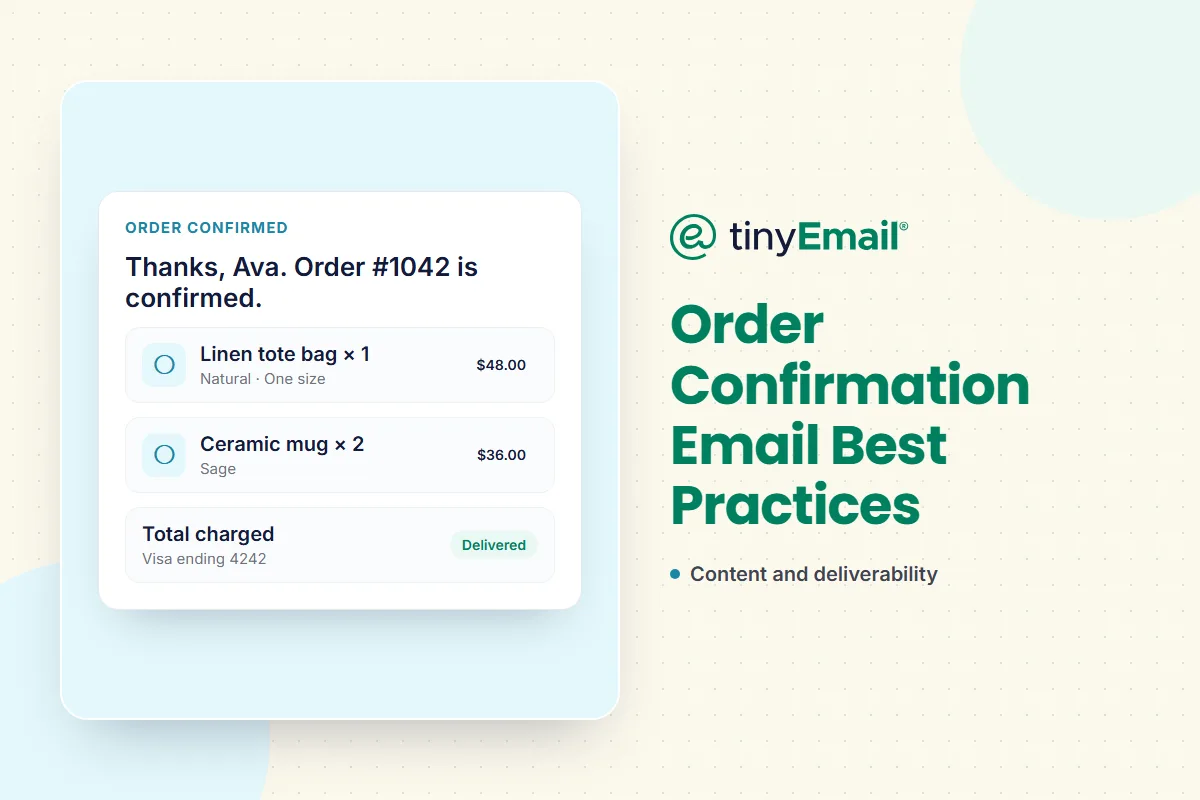

Order Confirmation Email Best Practices: Content and Deliverability
Send order confirmations from a transactional stream (a relay or transactional email service on its own authenticated subdomain), not from the tool you use for campaigns. Receipts need to arrive within seconds, they only stay legally transactional while they're free of promotion, and Gmail and Yahoo both ask senders to keep them apart from marketing mail.
Most order confirmation guides stop at what to put in the email. This one also covers how it gets delivered, because a perfect receipt that lands in spam, or an hour late, still fails the customer.
Why receipts and campaigns don't mix
Speed
Campaign tools are built to send one message to many people, often in batches and on a schedule. An order confirmation is the opposite: one message to one person, the moment they pay. Customers who don't see a confirmation quickly tend to check their spam folder, email support or wonder if the order went through. A transactional service sends each message as soon as your store or app asks it to.
Reputation
Mailbox providers judge each sending stream by how recipients react to it. Promotions draw more spam complaints than receipts, and if both share a domain and IP, a campaign that annoys people can pull your receipts into spam. That's why Google asks senders who use multiple IPs to "use a different IP address for each message type", to use the same From address for each category (for example, receipts from one address and promotions from another) and not to mix content: "don't include promotions in sales receipt messages." Yahoo likewise says not to send marketing email from the IPs you use for transactional mail. We cover the full split in should transactional and marketing emails be separate.
The law
Under the US CAN-SPAM Act, a message that "facilitates, completes, or confirms a commercial transaction" is transactional, and exempt from most of the rules that apply to marketing. That changes once you mix in promotion. A mixed message is treated as commercial if a reasonable reading of the subject line suggests it's an advertisement, or if the transactional content doesn't appear, in whole or in substantial part, at the beginning of the body.
- Keeps it transactional: a subject line about the order ("Your order #1042 is confirmed"), order details at the top, delivery and support information.
- Makes it commercial: a promotional subject line ("20% off your next order inside"), or a discount or product grid placed above the order details.
In Canada, CASL doesn't require consent for messages that confirm or complete an agreed transaction, though it still requires sender identification and an unsubscribe mechanism. In the EU, sending a receipt is usually covered by GDPR's lawful basis for performing a contract. This is a summary, not legal advice.
Order confirmation email best practices: what to include
- ☐ A clear subject line with the order number: "Order #1042 confirmed".
- ☐ The order number, date and items, with quantities, variants and prices.
- ☐ Totals: subtotal, discounts, shipping, tax and the amount charged, plus the payment method (last four digits only).
- ☐ Shipping or delivery details: the address, the shipping method and when to expect the next update.
- ☐ How to get help: a support email or link, and how to change or cancel the order.
- ☐ Your return or refund policy, or a link to it.
- ☐ A plain-text version alongside the HTML.
- ☐ A design that works on a phone, where most people will read it.
- ☐ Your brand, so the customer recognises the sender immediately.
Deliverability checklist for order emails
- ☐ Send from its own subdomain, such as
orders.yourbrand.com, separate from your newsletter subdomain. - ☐ Authenticate it with SPF, DKIM and DMARC aligned to the From domain. See how to set up SPF, DKIM and DMARC.
- ☐ Use one consistent From address for receipts, such as orders@yourbrand.com, and let replies reach a real inbox.
- ☐ Keep promotions out. Send cross-sells and review requests as separate marketing emails.
- ☐ Watch bounces and complaints on the receipt stream separately from your campaigns.
- ☐ Remove addresses that hard-bounce, and fix typos at checkout where you can.
If order emails are already going to spam, start with why emails land in spam and what to do about it.
If you run on Shopify
Shopify sends order confirmations through its own customer notifications by default. Two things are worth doing:
- Use your own domain as the sender and authenticate it in Shopify's settings, following Shopify's help centre. A free webmail address (such as a Gmail address) can't be authenticated by you, because you don't control that domain's DNS.
- Keep marketing separate. Use an email marketing app for campaigns, welcome series and abandoned-cart reminders. tinyEmail is free for Shopify stores with unlimited contacts, so your marketing runs on its own stream while Shopify handles receipts.
See how this fits together for online stores on our ecommerce email marketing page.
If you run a custom or headless store
If your store or backend sends its own receipts, send them through a transactional email service or SMTP relay rather than your campaign tool. tinyRelay sends order confirmations over SMTP relay or a REST API on the same delivery infrastructure as tinyEmail, and returns signed webhooks for every delivery, bounce, open and click, with the metadata you attach, so you can match each event to its order. Here's how tinyRelay sends order confirmations for custom stores.
Where marketing picks up: post-purchase flows
The moments after a purchase are some of the best times to market, just not inside the receipt. Send these as separate marketing emails from your marketing platform, with an unsubscribe link:
- a review request once the order has arrived;
- care tips, how-to content or a cross-sell based on what they bought;
- a win-back email if they don't come back.
tinyEmail's post-purchase workflows run these automatically, triggered by the order but sent on your marketing stream.
FAQ
Is an order confirmation email transactional?
Yes. Under CAN-SPAM, a message that confirms a commercial transaction is transactional, as long as it isn't turned into a promotion.
Is an order confirmation the same as a receipt?
They overlap. An order confirmation acknowledges the order; a receipt confirms payment. Many stores send one email that does both, with the items, totals and payment method.
Can I add product recommendations or a discount to an order confirmation?
Under US rules, the message stays transactional only if the subject line isn't promotional and the order details come first. Google asks senders not to include promotions in receipts, so a separate marketing email is the safer choice.
Why are my order confirmation emails going to spam?
The usual causes are a sending domain without SPF, DKIM and DMARC, receipts sharing a domain or IP with promotional mail, promotional content inside the receipt, and sending from a free webmail address.
Do order confirmations need an unsubscribe link?
In the US, transactional messages are exempt from CAN-SPAM's opt-out requirement, and Yahoo's one-click unsubscribe rule doesn't apply to order confirmations. In Canada, CASL still requires an unsubscribe mechanism.
Do I need consent to send order confirmations?
Generally no. They're transactional under CAN-SPAM, exempt from consent under CASL, and usually covered by the contract with the customer under GDPR.
How fast should an order confirmation arrive?
As close to instantly as possible. Send it the moment the order is placed, from a service built for one-to-one transactional email.
Should order confirmations come from a different address than newsletters?
Yes. Use a consistent From address per category, such as orders@ for receipts and news@ for campaigns, ideally on separate subdomains.
Who sends order confirmations for a Shopify store?
Shopify's customer notifications, by default. Your email marketing app handles campaigns and automated marketing flows.
Sources
- FTC, CAN-SPAM Act compliance guide: ftc.gov
- 16 CFR 316.3, primary purpose of messages: ecfr.gov
- Google, Email sender guidelines: support.google.com/a/answer/81126
- Yahoo, Sender best practices and FAQ: senders.yahooinc.com/faqs
- Canada's Anti-Spam Legislation, section 6: laws-lois.justice.gc.ca
- GDPR Article 6: gdpr-info.eu




Newsletter
Join our newsletter today Get instant updates

20,000+ users subscribed to newsletter